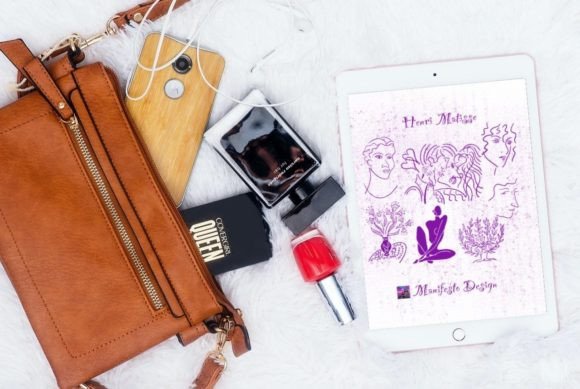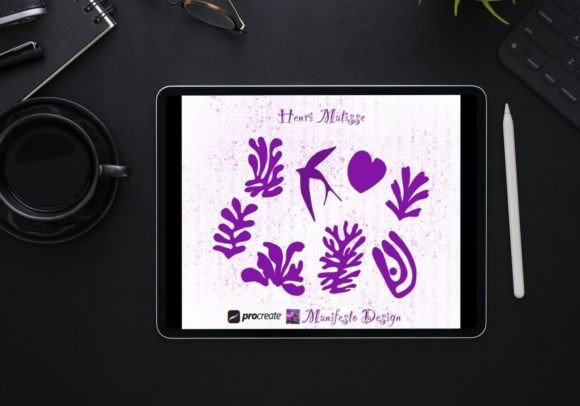
15 Line Art Matisse Brushes for Procreate
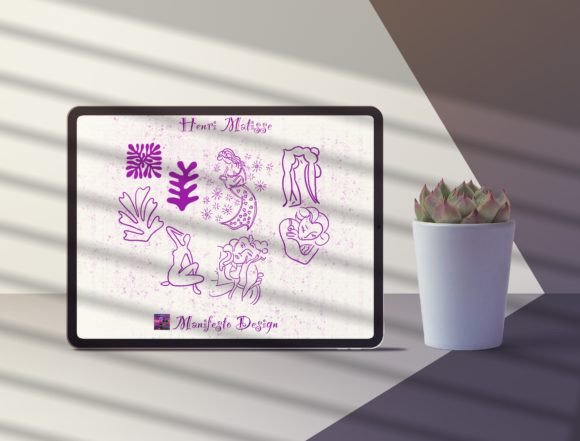
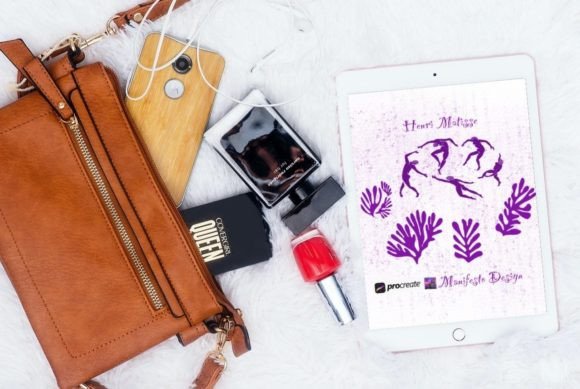
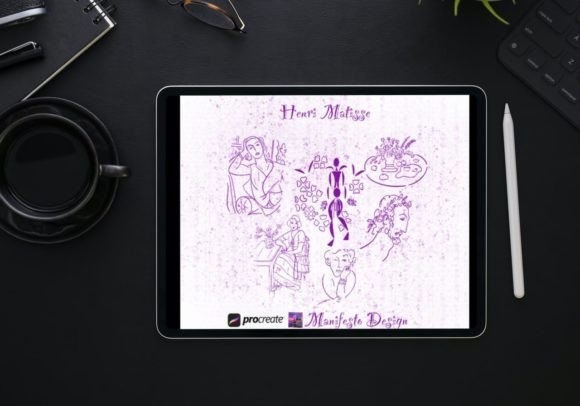
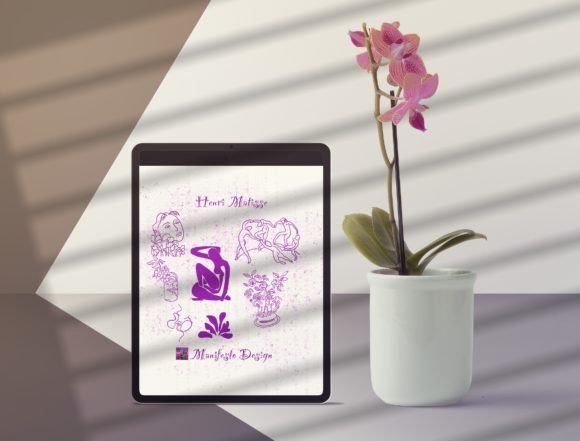
Henri Matisse is widely regarded as one of the most influential figures in modern art, celebrated not only for his bold use of color but also for his masterful command of line. His ability to capture the essence of a subject with minimal strokes revolutionized how we perceive form and movement. For digital artists, illustrators, and designers working on the iPad, translating that organic, hand-drawn sensibility into a digital workflow can be challenging. This is where 15 Line Art Matisse for Procreate V 13 becomes an invaluable resource. Developed by Manifesto Design, this brush set bridges the gap between historical artistic mastery and contemporary digital creation, offering a toolkit that feels both authentic and versatile.
The Essence of Digital Line Work
The appeal of Matisse’s sketchbook drawings lies in their simplicity and expressiveness. He did not rely on shading or complex textures to define space; instead, he used continuous, confident lines to suggest volume and emotion. Replicating this aesthetic digitally requires more than just a standard pen tool. It demands brushes that respond to pressure and tilt in a way that mimics the friction of pencil on paper or ink on canvas.
The 15 Line Art Henri Matisse for Procreate collection is designed specifically to address this need. These are not generic vector lines; they are hand-drawn brushes based directly on Matisse’s original sketches. Each brush in the set captures a different nuance of his style, from the thick, assertive contours of his later cut-outs to the delicate, searching lines of his early figure studies. For creators aged 20 to 50 who value efficiency without sacrificing artistic integrity, this toolset offers a shortcut to achieving a sophisticated, organic look that often takes years to develop manually.
Practical Applications for Modern Creators
While the historical connection is compelling, the true value of these brushes lies in their practical application across various creative industries. Whether you are a freelance illustrator, a graphic designer, or a content creator, understanding how to integrate these tools into your workflow can elevate your output significantly.
Editorial and Brand Illustration
In the world of editorial design and branding, there is a growing demand for artwork that feels human and approachable. Corporate clients are moving away from sterile, overly polished vector graphics in favor of illustrations that convey warmth and personality. Using Matisse’s Line Art Drawings for Procreate, designers can create custom icons, header images, and social media assets that stand out. The imperfect nature of the lines adds a layer of authenticity that resonates with audiences seeking genuine connections.
For example, a lifestyle blogger might use these brushes to create custom dividers or accent illustrations for their website. A small business owner could employ them to design unique packaging labels that emphasize craftsmanship. The key is to use the lines not just as decoration, but as a structural element that guides the viewer’s eye through the composition.
Fashion and Textile Design
Matisse had a profound interest in fashion and textiles, often collaborating with designers and creating patterns for fabrics. This heritage makes the brush set particularly useful for fashion illustrators and textile designers. By layering different brushes from the 15 Line Art Matisse for Procreate V 13 pack, users can simulate the look of fabric draping over a figure or create repeating patterns that feel hand-printed rather than digitally generated.
Designers can experiment with opacity and blending modes to create depth. A light, sketchy line might represent the underlying structure of a garment, while a bolder, darker stroke defines the final silhouette. This technique allows for rapid prototyping of design ideas, enabling freelancers to present multiple concepts to clients quickly and effectively.
Techniques for Mastering the Brush Set
To get the most out of these tools, it is essential to understand how to manipulate them within the Procreate environment. Simply selecting a brush is not enough; the magic happens in how you combine settings and layers.
- Vary Your Pressure: Matisse’s lines were never uniform. They thickened and thinned based on the speed and pressure of his hand. When using these brushes, avoid holding the stylus at a constant pressure. Let your hand move naturally, allowing the brush engine to capture the subtle variations in line weight.
- Layering for Depth: Do not try to complete a drawing in a single pass. Use multiple layers to build up your composition. Start with a light sketch layer using a finer brush from the set, then refine the final lines on a new layer above. This non-destructive approach allows for easy editing and ensures your final piece remains clean and organized.
- Combine with Color: While Matisse is famous for his line work, he was also a colorist. These brushes pair exceptionally well with flat, vibrant colors. Try filling shapes created by your lines with solid blocks of color to evoke the spirit of Matisse’s cut-outs. This contrast between expressive lines and bold color creates a dynamic visual impact.
Adapting Style for Different Audiences
One of the strengths of 15 Line Art Matisse for Procreate V 13 is its adaptability. The same brush can produce vastly different results depending on the context and the user’s intent. Educators might use these tools to teach students about contour drawing and observation, emphasizing the importance of seeing the whole form before committing to a line. Marketers might use them to create infographics that feel less intimidating and more engaging than traditional charts.
For hobbyists and enthusiasts, the brush set serves as an excellent learning aid. By tracing over reference images using these brushes, users can internalize the rhythm and flow of Matisse’s technique. Over time, this practice helps develop muscle memory and confidence, allowing artists to eventually create original works without relying heavily on references.
Maintaining Consistency and Originality
A common concern when using preset brushes is the risk of producing work that looks generic or derivative. To avoid this, it is crucial to treat the brushes as a starting point rather than a final solution. Originality comes from how you combine elements, choose subjects, and apply color.
Keep your compositions clear and focused. Matisse’s work was powerful because it was uncluttered. When using these brushes, resist the urge to over-detail. Let the negative space play an active role in your design. If a line feels unnecessary, remove it. This discipline ensures that your final artwork remains effective and audience-friendly, communicating its message without visual noise.
Furthermore, consider mixing these line art brushes with other textures or media within Procreate. Adding a subtle paper texture background or incorporating watercolor washes can help ground the digital lines in a tactile reality, making the final piece feel more like a traditional artwork.
Conclusion: Embracing Digital Tradition
The introduction of Henri Matisse’s Line Art Drawings Procreate V 13 represents more than just a new product launch; it is a celebration of artistic legacy adapted for the digital age. For creators looking to inject warmth, elegance, and historical depth into their work, this brush set offers a unique opportunity. It invites users to slow down, observe carefully, and draw with intention.
Whether you are designing a brand identity, illustrating a children’s book, or simply exploring your creativity on an iPad, these tools provide the means to achieve a professional, expressive result. By understanding the principles behind Matisse’s style and applying them thoughtfully through these digital brushes, you can create work that is not only visually striking but also deeply connected to the rich tradition of modern art. The goal is not to mimic Matisse exactly, but to let his approach inspire your own unique voice in the digital landscape.